Using ChatGPT to design your business stationery: what works, what needs fixing
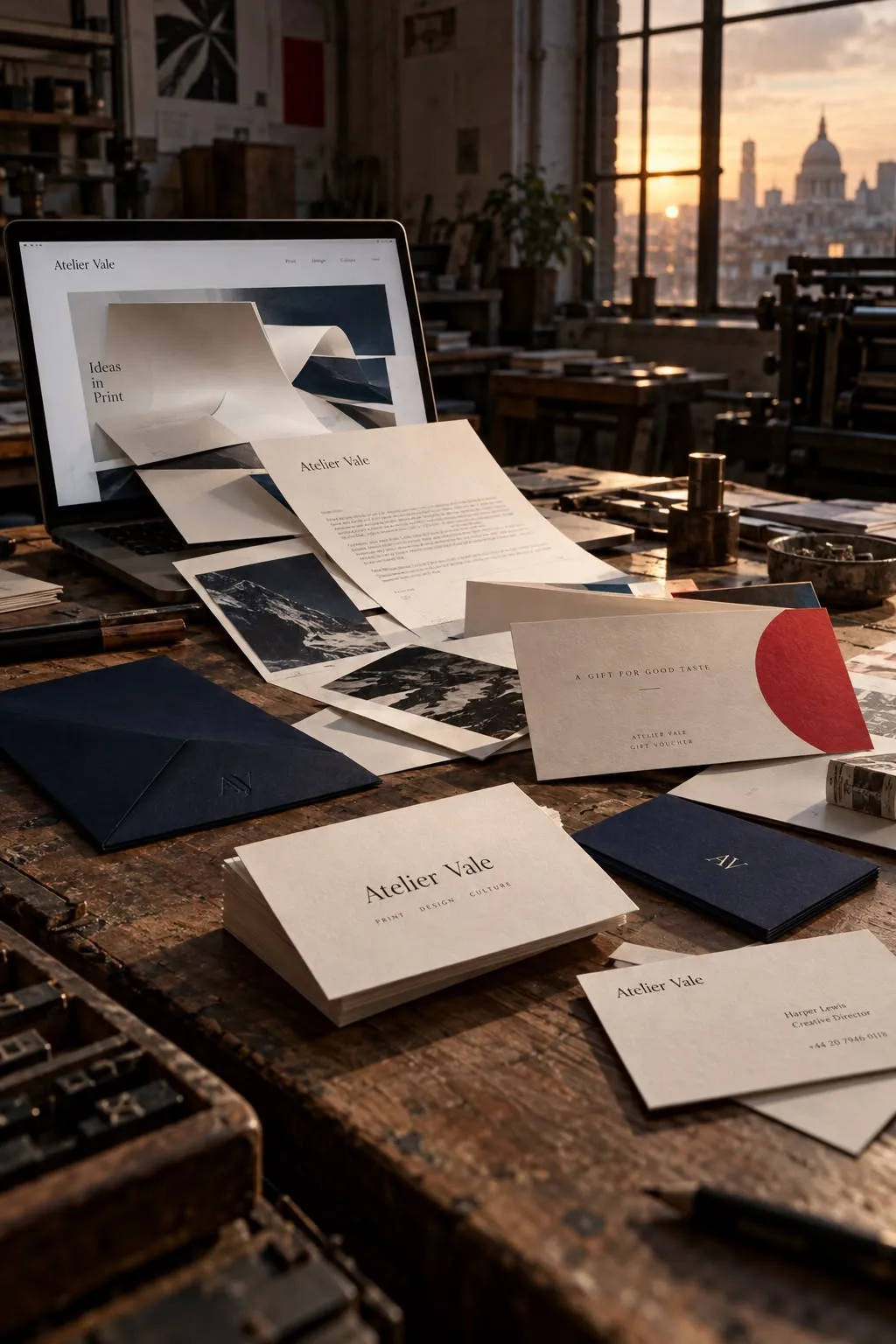
A gift voucher on a marble counter. A business card held at just the right angle. Your logo on the side of a spotless van.
AI tools can make your business look the part in seconds. We are seeing more customers send us these images and ask a very reasonable question: "Can you print this?"
Often, we can help turn the idea into something you can print. But the image itself may only show what the finished item could look like. It is not necessarily the artwork needed to produce it.
AI is brilliant for the concept. Print Ready helps make it printable. Here is how to get a better starting point, avoid the common traps and send the team what we actually need.
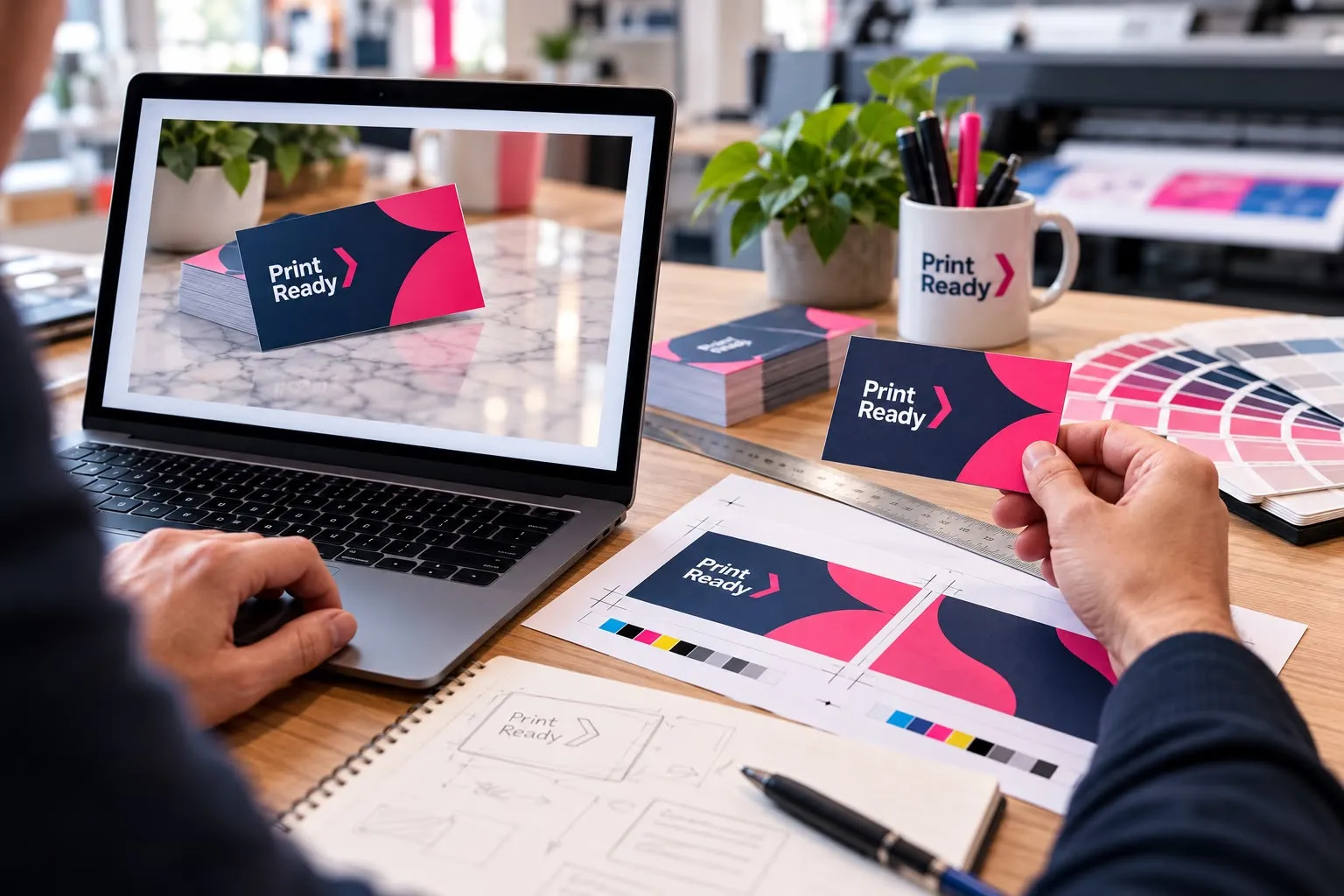
A mockup is not the same as artwork
A mockup shows a design in use. Think of a voucher lying on a desk, a printed logo on a polo shirt or graphics wrapped around a van.
It helps you picture the result. But it also contains things you do not want printed: shadows, reflections, the desk, the fabric or the van itself. The design might be tilted, curved or partly hidden.
Artwork is the design on its own, prepared for the actual product. For a business card, that means a flat front and back at the right size. For a van, it means graphics prepared for the vehicle and the fitting method, not a picture of the van.
Send us the mockup as a reference. Send the separate design files too, if you have them. If you only have the mockup, tell us. It is better to know at the start than after you have placed an order.
What ChatGPT is useful for
ChatGPT and other AI design tools can help you explore a direction before committing to it:
- Try colours, styles and layout ideas.
- Compare a simple design with a more playful one.
- Draft wording for a voucher, flyer or business card.
- Picture how a brand could work across stationery, clothing and signage.
- Explain your idea to a designer when words alone are not enough.
Start with your business and audience, rather than "make it look professional". A family café, an accountancy firm and a fitness studio need different things.
If you already have a logo, use the original as a reference and ask the tool not to redesign it. Check the result against that original. A near-match is not the same as your brand.
The print problems a prompt cannot guarantee away
Sharp on a phone does not mean sharp in print
A screen preview is not a resolution check. Images need enough pixels for the size they will be printed. For standard stationery, our usual requirement is 300dpi at the final print size.
Writing "300dpi" in a prompt does not prove the downloaded file meets that requirement. Nor does changing a resolution label add detail that was not there. Keep the original download, rather than sending a screenshot of it.
Screen colours and printed colours differ
Screens use RGB colour. Our standard print artwork uses CMYK. Colours can shift during conversion, so a bright screen colour is not a promise of the printed result. Asking for "CMYK" in an image prompt is not a substitute for checking the actual file.
The edges need room for trimming
Bleed is extra artwork beyond the edge where the item will be cut. For standard stationery, we normally ask for 3mm bleed on each side, with crop marks showing where to trim. Keep important text and logos safely inside the cut edge too.
For example, an A5 page is 148 × 210mm. With 3mm bleed on each side, the artwork area is 154 × 216mm, before allowing space for crop marks. A decorative border or a white margin is not bleed.
Text, logos and finishing still need checking
Read every name, number and line of small print. Keep the final wording separately so it can be typeset and checked, rather than relying on text baked into an image. A QR code should be created from the correct link and tested, not treated as decoration.
For logos, vector artwork is preferred. It can scale from a business card to a sign without becoming pixelated. A picture that looks like a vector logo is still a picture unless the file contains genuine vector shapes. Saving that picture as a PDF does not automatically change this.
Gold-looking pixels are not gold foil. Clothing, signage and vehicle graphics have their own production needs. Check with the team before building artwork for them.
Four prompts for a more useful starting point
These prompts aim for clearer concepts, not guaranteed print-ready files. Replace the details in square brackets. Dimensions help describe the intended layout, but the downloaded file still needs checking and setting up for print.
Business card layout
"Create a flat, front-facing 2D design concept for the front of a business card for [business name], serving [audience]. Use an 85 × 55mm landscape proportion as an example size. Use [brand colours] and a [style] layout. Show only the rectangular design, with no desk, hands, shadows, perspective, texture or 3D effects. Reserve clear space for the supplied logo and contact details; do not invent them. Keep important content away from the edges. Do not draw crop marks. This is a layout concept for a designer to prepare for print."
Gift voucher
"Create a flat 2D gift voucher concept for [business type], using a 210 × 99mm landscape proportion as an example size. Use [colours] and a [style] design. Show the design straight on, filling the image, with no table, envelope, ribbon, shadows or perspective. Leave clear areas for the business logo, voucher value, recipient, expiry date, voucher number and terms. Do not invent terms or generate a QR code. Keep the layout simple and readable. This is a concept, not a finished print file."
A logo direction
"Explore a simple symbol concept for [business type] aimed at [audience]. Use [one or two colours], clean shapes and a plain white background. Avoid gradients, shadows, metallic effects, fine detail and 3D rendering. Show only the symbol, with no stationery, clothing or signage mockups. Do not copy an existing brand. It should remain recognisable at a small size. This is a concept to be redrawn as vector artwork, not a request for a finished vector file."
A graphic for clothing or a van
"Create an isolated, flat 2D graphic concept for [business], intended for [a chest print / the side of a van]. Use the supplied logo as a reference without changing its design. Use [brand colours], simple shapes and a clear space for [approved wording]. Show the graphic straight on against a plain white background. No person, garment, vehicle, scenery, folds, shadows or perspective. Do not add contact details that I have not supplied. This is a visual reference; the printer will confirm the final dimensions and production artwork."
Choose your product size first. The card and voucher sizes above are examples, not a specification for every product. Use the chosen product's artwork requirements or ask the team.
Same idea, better brief
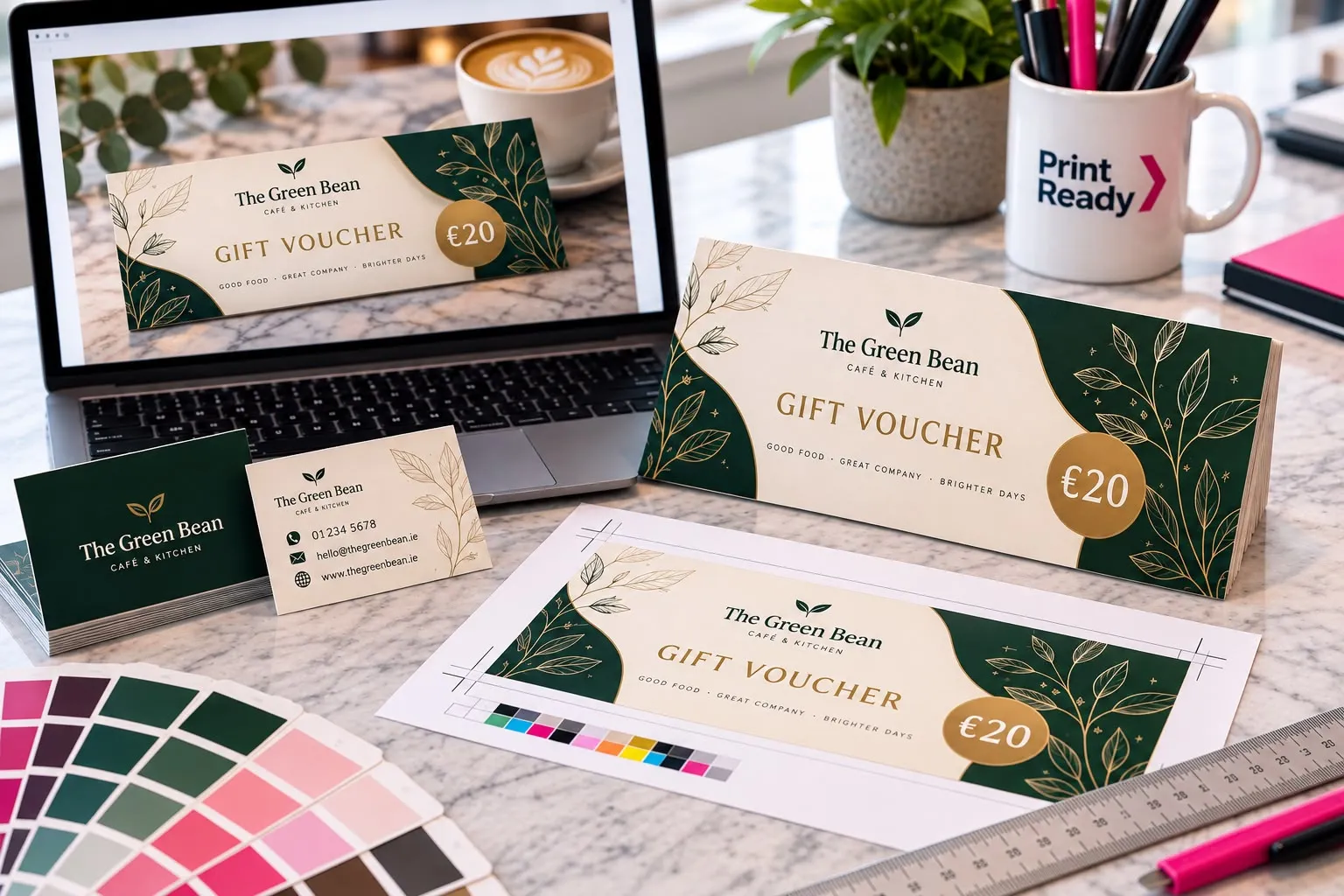
Compare these two ways of asking for a café gift voucher.
The typical request
"Make a luxury gift voucher for my café. Show it on a marble counter with a coffee beside it."
This asks for a presentation scene. It may help you sell the idea, but the voucher design could be angled, obscured or too small within the image to use.
The clearer request
"Create a flat, front-facing 2D café gift voucher concept in a 210 × 99mm landscape proportion. Use warm cream and dark green, a simple layout and clear spaces for our supplied logo, value, expiry date and voucher number. Show only the design. No counter, coffee cup, hands, shadows or perspective. Do not invent wording or draw crop marks."
This asks for the design rather than the scene. It gives the team a clearer layout to work from. It still needs accurate text, correct dimensions, colour checks and print setup.
What to send Print Ready
You do not have to become a graphic designer to get started. Send the team:
- The original AI image download and any mockup showing the look you want.
- Your original logo files, if you have them.
- The exact wording, contact details and any approved terms, supplied separately.
- The product, finished size, quantity and where it will be used.
- Any editable design files you have, not just a screenshot.
For finished standard stationery artwork, our usual checklist is a high-resolution PDF, images at 300dpi at final size, CMYK colour, 3mm bleed and crop marks, with fonts embedded or outlined. Other products can need a different setup, so check before exporting.
If all you have is an AI concept, send that and say so. The team can advise on what can be used, what needs rebuilding and any design work required before printing.
Use AI to explore your idea. Let Print Ready help turn it into something you can put in a customer's hand.